
A site foreman jotting down hours in a notebook and firing off photos via WhatsApp at the end of the day is still standard practice in many small and mid-sized construction firms. The problem is that it bleeds money through wasted time, disputes, and delayed invoicing. Digitizing field tracking is no longer a luxury reserved for large contractors, but you still need to understand what it involves technically and how it impacts your **construction project management app cost**.
The cost of a custom-built construction site management app ranges from €40,000 to €150,000 in 2026, depending on feature complexity (geolocation, offline mode, reporting). Field-heavy sectors like construction add 20-40% to that budget for reliable offline functionality and integration with existing business tools.
- Developing a mobile construction management app forces technical and budgetary trade-offs right from the scoping phase, especially around data synchronization and resilience to network dropouts.
- Geolocation, offline sync, and site reports are the three features that determine whether field crews will actually use the tool.
- Flutter or React Native: your framework choice directly impacts the **construction project management software pricing**, offline fluidity, and long-term maintenance.
- The **cost of construction management software** varies widely depending on scope, but a well-scoped MVP pays for itself quickly against current time losses.
- Launching an MVP rather than a full-featured solution lets you test field adoption before investing in advanced features.
What is construction site management software and why is it essential in 2026?
Construction site management software is a business tool that centralizes task tracking, crew time logging, photo documentation, and communication between the field and the office. In 2026, it’s becoming essential because regulations and margin pressure leave no room for guesswork.
The French decree of March 31, 2024 on working time monitoring in construction requires companies to retain time-tracking data for five years and make it accessible to labor inspectors. A paper notebook or a shared spreadsheet no longer proves anything during an audit. A mobile BTP app that timestamps and geolocates each clock-in becomes both legal protection and a productivity tool.
Beyond compliance, construction digitization changes the very nature of a foreman’s job. He no longer chases information, he has it in real time, on his tablet or phone. The gain shows up in billing: fewer forgotten hours, fewer disputes over untracked extra work.

What are the must-have technical features for a mobile construction management app?
Three technical building blocks set a construction app apart from a standard mobile app: site geolocation to track presence and movements, offline synchronization to work without a network, and automated site reports to produce usable proof. Neglect them, and the tool will be abandoned within three weeks.
Site geolocation: accuracy, battery life, and privacy
Geolocation serves two purposes: proving that a worker was indeed on site at the time of clock-in, and mapping progress across multiple zones of the same project. The classic pitfall is running GPS continuously, the phone battery drains in four hours and the worker uninstalls the app. Best practice is event-triggered location capture (clock-in, zone change, photo taken) rather than constant tracking. You also need to manage employee consent and disclosure: geolocation on a professional tool remains regulated, there’s no question of tracking an employee outside working hours.
Offline sync: the real technical challenge in construction
A rural construction site or a basement under renovation means zero signal half the time. If the app crashes or loses data without a connection, it’s dead. Offline synchronization requires a local database on the phone (SQLite, Hive, or equivalent depending on the tech stack), a queue that stores actions taken offline, and a conflict resolution logic for when two workers modify the same task before re-syncing. Field-heavy sectors like construction add 20% to 40% to a mobile app budget to integrate a robust offline mode and complex IT interconnections. This is the most underestimated feature in specifications, and the one that hurts the most if botched, because a lost photo or clock-in can’t be recreated.
Site reports: from photo to usable proof
A useful site report isn’t a gallery of timestamped photos. It’s a structured document, progress, incidents, crew present, materials used, automatically generated from field data, exportable as a PDF for the client or architect. The added value comes from automation: if every report requires manual re-entry at the office, the app hasn’t digitized anything, it just added a step. For time-tracking data integrated into these reports, regulations require five-year retention with access possible for labor inspectors.
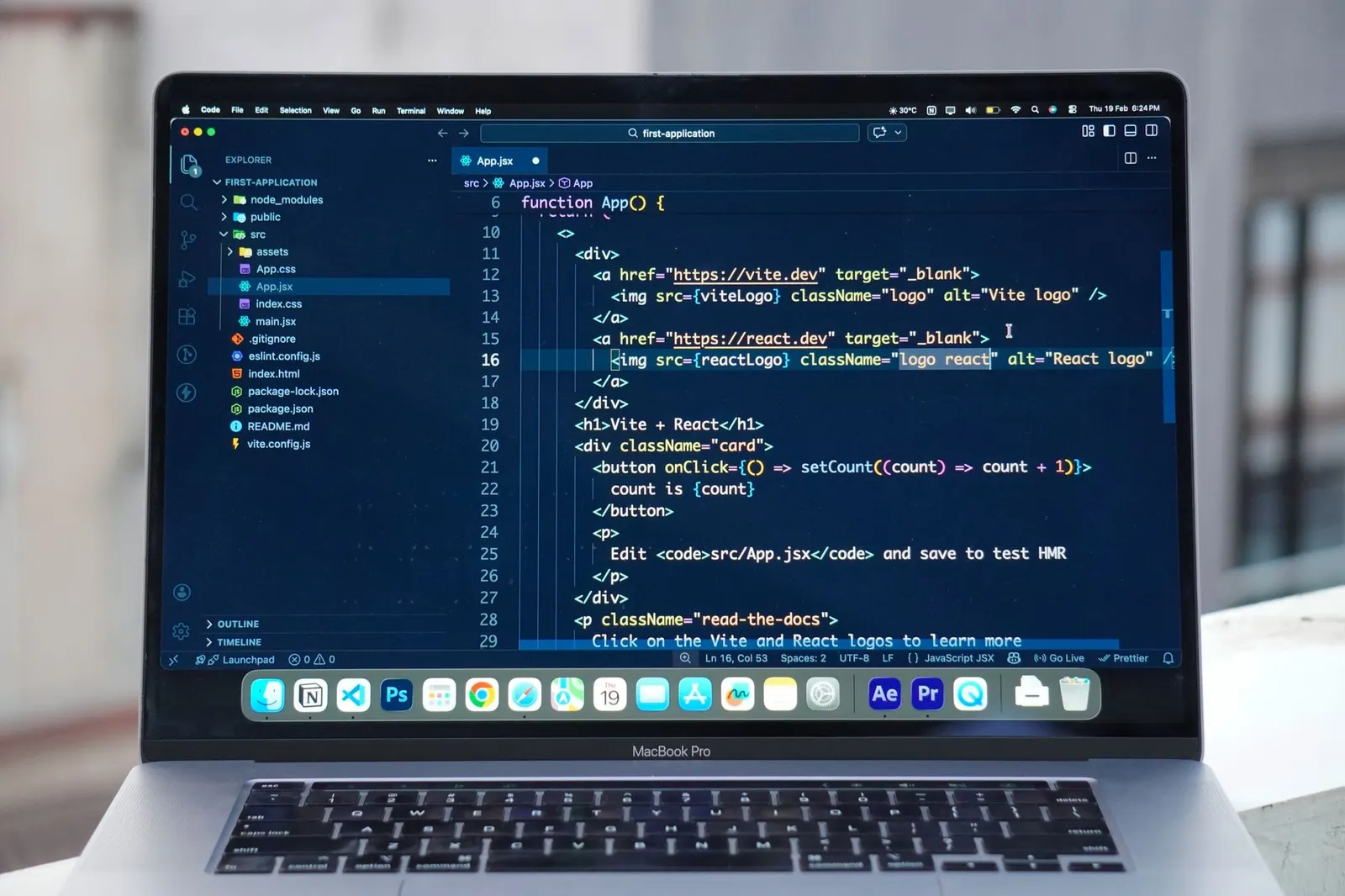
Flutter or React Native: which framework should you choose for your construction app?
For a construction management app, Flutter has the edge on offline handling and graphic performance for site plans, while React Native appeals with its broader JavaScript ecosystem and easier hiring. The choice depends mainly on the company’s existing stack and the level of offline requirements.
Why does Flutter handle heavy graphic interfaces and offline better?
Flutter compiles to native code and manages its own rendering layer, giving it a clear advantage on rich interfaces, annotated plans, site mapping, heavy document viewers. Its local storage handling is also more consistent between iOS and Android, a point that matters directly for offline synchronization.
When does React Native become the most rational choice for an existing team?
React Native, for its part, relies on native system components and benefits from a much larger pool of JavaScript developers, a significant argument if the company already has a web team on React or Next.js and wants to pool skills. However, some advanced offline modules require more third-party libraries, which can complicate long-term maintenance.
On a field project, the real criterion isn’t “which framework is more modern” but “which one handles a three-hour connection loss better without losing any data.” That’s what decides real adoption by crews, not the technology choice itself.
In both Flutter development and React Native development, the quality of the outcome depends more on the chosen offline architecture and the team’s experience with this type of business project than on the framework itself. Both can deliver a solid mobile construction app, the real risk is entrusting this scoping to a team that has never handled field synchronization.
What is the **construction project management app cost** and how can you optimize your budget?
The cost of a custom-built construction site management app ranges from €40,000 to €150,000 in 2026. On top of that, there’s a monthly usage cost of €20 to €50 per user, plus €300 to €500 for a rugged tablet like the Samsung Galaxy Tab Active if field equipment needs replacing.
This wide range is explained by the functional scope. A mobile app MVP covering time tracking, basic geolocation, and simple reports falls at the lower end. A complete custom business software, advanced offline sync, integrations with accounting and CRM, multi-site construction task management, customized reporting, pushes toward the upper end. Field-heavy sectors like construction add 20% to 40% to the budget to integrate a robust offline mode and complex IT interconnections.
Comparing cost models by software type
Before launching custom development, many companies compare with the **cost of construction management software** available by subscription. The table below shows that the mobile-first model remains the most accessible, around €300 to €800 per year, versus €2,000 and up for a classic on-premise solution, a gap that weighs heavily on the decision to build custom or subscribe.
| Model | Average annual cost | Suitable profile |
|---|---|---|
| Mobile-first | €300-800 | Small field-based businesses |
| SaaS (Cloud) | ~€500 | Multi-site SMEs |
| On-premise | €2,000+ | Large organizations |
In practice, if your needs fit within a vendor’s standard features, a subscription is financially unbeatable. If you have processes specific to your business (custom quotes, in-house ERP integration, specific validation workflows), custom development becomes profitable as soon as the productivity gap exceeds the cost delta over two to three years.
What per-user pricing really hides
At most vendors, the monthly per-user rate runs between €25 and €40 in 2026, with solutions for large projects costing more. The realistic budget for a **project management app for construction budget** remains in the €20-50 per month per user range. The catch is that this displayed price often hides tiered plans: the entry plan excludes advanced load scheduling or extra work requests, two central functions in construction management. Before comparing two offers on their sticker price, always check what’s included in the base tier, that’s where the real annual cost difference lies.
On-premise software costs up to 6.7 times more per year than a mobile-first solution
The average annual **cost of construction management software** ranges from €300-800 for a mobile-first solution, to around €500 for SaaS Cloud, up to €2,000+ for on-premise, a gap that directly influences the choice between subscription and custom development.
For an SME, a mobile-first subscription remains the cheapest entry point. But as soon as needs exceed standard features, the cost of custom development becomes competitive against on-premise solutions that exceed €2,000 per year without offering more field flexibility.
| Item | Value (€/yr) |
|---|---|
| Mobile-first | €550/yr |
| SaaS Cloud | €500/yr |
| On-premise | €2,000/yr |
MVP or full application: where to set the budget cursor
Many project owners want everything in the first version, bad idea. A mobile app MVP centered on three functions (geolocated time tracking, offline photo upload, basic PDF report) lets you validate field adoption before investing in multi-level construction task management or advanced dashboards. The costliest mistake: launching a full version straight away without testing with ten workers on a real site. You often correct more in one month of field use than during six months of office specifications. Another constraint to anticipate: time-tracking data must be retained for five years and remain accessible to labor inspectors, in accordance with the March 31, 2024 decree on working time monitoring in construction. Integrating this requirement from the MVP stage avoids a costly storage module overhaul.
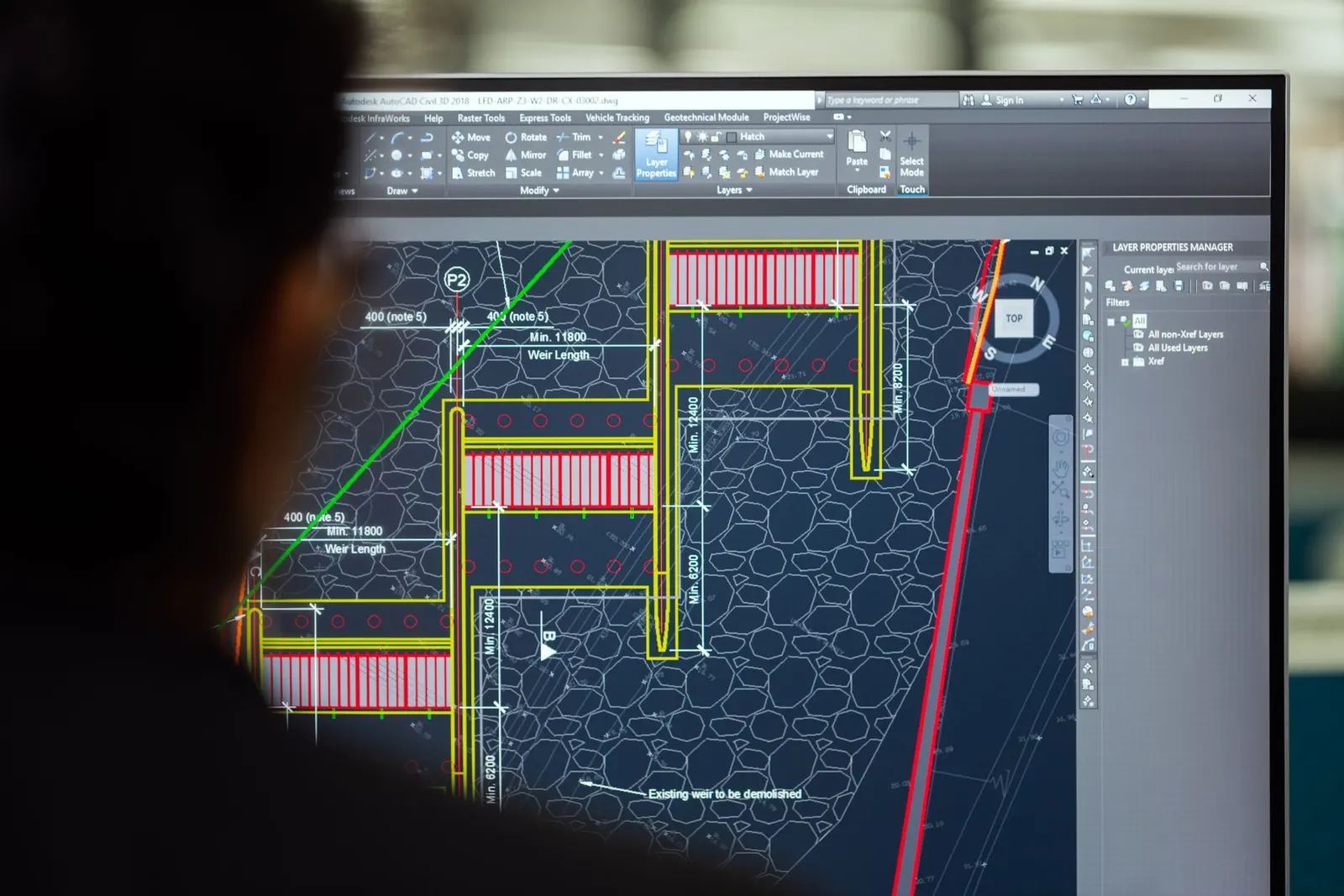
How to successfully deploy construction software and ensure adoption?
Successfully deploying construction software requires training crews before going live, choosing a pilot site rather than an immediate global rollout, and providing responsive support during the first two weeks, that’s where adoption or definitive rejection of the tool is decided.
Where to start concretely so you don’t alienate field crews?
Frankly, the technology is never the factor that makes this kind of project fail. It’s the human element. A 55-year-old worker who has never used a tablet won’t adopt the tool because the interface is pretty, he adopts it if it saves him time from day one, with zero friction.
- Choose a pilot site representative of real activity, not the simplest one
- Train crew leaders before workers, in a short, practical session
- Limit active features at launch to the three or four most useful ones
- Gather field feedback within the first ten days of use
- Adjust the interface and workflows before expanding to other sites
- Provide a direct support channel, not a ticket lost in a generic inbox
What sustains adoption over time, once the first weeks are past?
Another often-overlooked point: hosting and maintenance don’t stop at go-live. A business app must be updated, monitored, and secured over time, a well-configured server (LiteSpeed-type infrastructure, for example, for fast response times on the back-office side) makes a real difference in the fluidity perceived by field crews when they sync their data at the end of the day. Field-heavy sectors like construction add 20% to 40% to a mobile app budget to integrate a robust offline mode and complex IT interconnections. Without that reliable sync, crews lose trust and revert to paper within three days.

Based on your situation: which scenario fits your project?
A masonry SME with 15 workers across 3 simultaneous sites
The need here boils down to three functions: geolocated time tracking, offline photo capture, and a simple daily report. No need for a €100,000 custom development. A mobile-first subscription at €300-800 per year, or a lightweight mobile app MVP, is more than enough. The criterion that matters: ease of use for crews with little digital experience, not feature richness.
A startup launching a custom business software to be resold to other construction companies
Here, it’s a product, not an internal tool. The choice between Flutter and React Native weighs heavily on long-term maintenance and the ability to add advanced features (APIs, multi-tenancy, customized dashboards). A budget near the upper end of the range (€100,000 to €150,000) is realistic, with an architecture designed from the start to scale, the MVP here serves to convince first clients before raising funds or reinvesting.
A mid-sized construction company with an existing ERP and 200 field employees
The real issue isn’t creating the app but interconnecting it with systems already in place (payroll, accounting, scheduling). Here, field-heavy sectors add 20-40% to the budget precisely because of this integration complexity. Custom development scoped with a team capable of handling these IT connections is the only viable option, a standard subscription will never cover these specific needs.
Frequently asked questions about building a construction management app
What is the typical cost for construction project management software?
The typical **construction project management software pricing** ranges from €40,000 to €150,000 for a custom build in 2026, depending on feature scope. Subscription-based **affordable construction project management apps** start around €25-40 per user per month. The **average price construction project management tools** falls between €300 and €800 per year for mobile-first solutions, while on-premise options exceed €2,000 annually.
How much should I expect to pay for a construction project management app?
The decisive criterion is the ability to work offline in the field, a need that adds 20-40% to the budget in construction. A mobile-first solution billed at €25-40 per month per user works for 1-3 sites; beyond that, a custom app with IT interconnections becomes necessary. When evaluating **how much does construction PM software cost**, always check what’s included in the base tier, advanced features like load scheduling are often locked behind higher plans.
Are there free construction project management tools available?
Some vendors offer free tiers or trials, but truly free tools with offline sync and geolocation are rare. Most **affordable construction project management apps** start at €25-40 per user per month. Free options typically lack the offline robustness that field crews need, which is why the sector budgets 20-40% extra for reliable offline mode.
What are the pricing models for construction project management software?
The main **construction project management software comparison pricing** models are mobile-first subscriptions (€300-800/year), SaaS Cloud (around €500/year), and on-premise (€2,000+/year). Per-user monthly rates range from €25-40. Custom development falls between €40,000 and €150,000 depending on scope. The **factors affecting construction PM software cost** include offline requirements, integration complexity, and the number of users.
Do construction project management apps have hidden fees?
Yes, many vendors lock advanced features like load scheduling or extra work requests behind higher pricing tiers. Before comparing offers, verify what’s included in the base plan, that’s where the real annual cost difference hides. Custom development projects should also budget for ongoing maintenance, hosting, and updates beyond the initial build.
Digitizing site tracking is no longer a differentiating option, it’s a catch-up that most construction companies still need to make. The **construction project management app cost** depends almost entirely on the scope you choose to cover initially, better to start small, measure real adoption, then invest in what actually works in the field. If you want to precisely scope that perimeter and get a quote tailored to your business, a conversation with a team experienced in construction business projects helps clarify things before committing any budget.