
A project founder coding an MVP at night and on weekends has no time to waste configuring a Linux server. Yet that’s exactly where many get stuck: three days on NGINX, a misconfigured reverse proxy, and the product still isn’t live. Simplifying how to deploy Node.js app with a mainstream host like Hostinger changes the game for this exact profile — someone who needs to ship fast, without a DevOps team behind them. Here’s what that changes in practice, and how to deploy a Node.js application easily without sacrificing three weeks of product development.
Deploying a Node.js application easily means using a host that natively manages the runtime environment (Node 18.x, 20.x, 22.x, or 24.x at Hostinger) rather than a bare server: the user picks their version, points to their code folder, and the service starts without manually configuring a reverse proxy or process manager.
- Managed Node.js hosting at Hostinger starts at €3.99 per month, eliminating the cost of a system administrator for founders without server skills.
- Launching a Node.js MVP with a 48-month plan at €191.52 (renewing at €16.99/month) lowers the financial barrier to entry compared to custom infrastructure.
- The Business plan, which supports up to five Node.js applications, lets a startup run multiple projects simultaneously without juggling separate configurations.
- By handling versions 18.x, 20.x, 22.x, and 24.x, the host prevents the classic developer mistake of deploying on a version newer than what their code supports and spending hours debugging silent errors.
How a Node.js application is launched, and why it’s a challenge for an MVP
Launching a Node.js application requires a server with the runtime installed, a process manager to keep it alive, and a reverse proxy to expose it to the web — three distinct technical building blocks that, when poorly handled, delay production deployment by several days.
On a traditional server, you need to create a dedicated user (often named user or after the app, like myapp), install Node.js via a version manager, copy the project files, configure environment variables, then keep the process running in the background with a tool like PM2. Every step requires sudo privileges, a solid understanding of Unix systems, and near-zero tolerance for error: one wrong folder permission, and the application won’t start.
For a solo developer or a small team that needs to ship an MVP in a few weeks, this technical workload isn’t trivial. Time spent configuring a server is time not spent on the features your first users will actually test. That’s where technical complexity becomes a real business risk, not just a technical annoyance.
The real hidden cost: not money, but time
People often think the bottleneck is the server budget. In reality, the most expensive bottleneck for an MVP is the timeline. A founder who loses two weeks debugging an NGINX configuration also loses two weeks of market lead time, two weeks of missed user feedback, two weeks of burning cash with no revenue. The real question isn’t “how much does hosting cost,” but “how long until the first production deployment.”
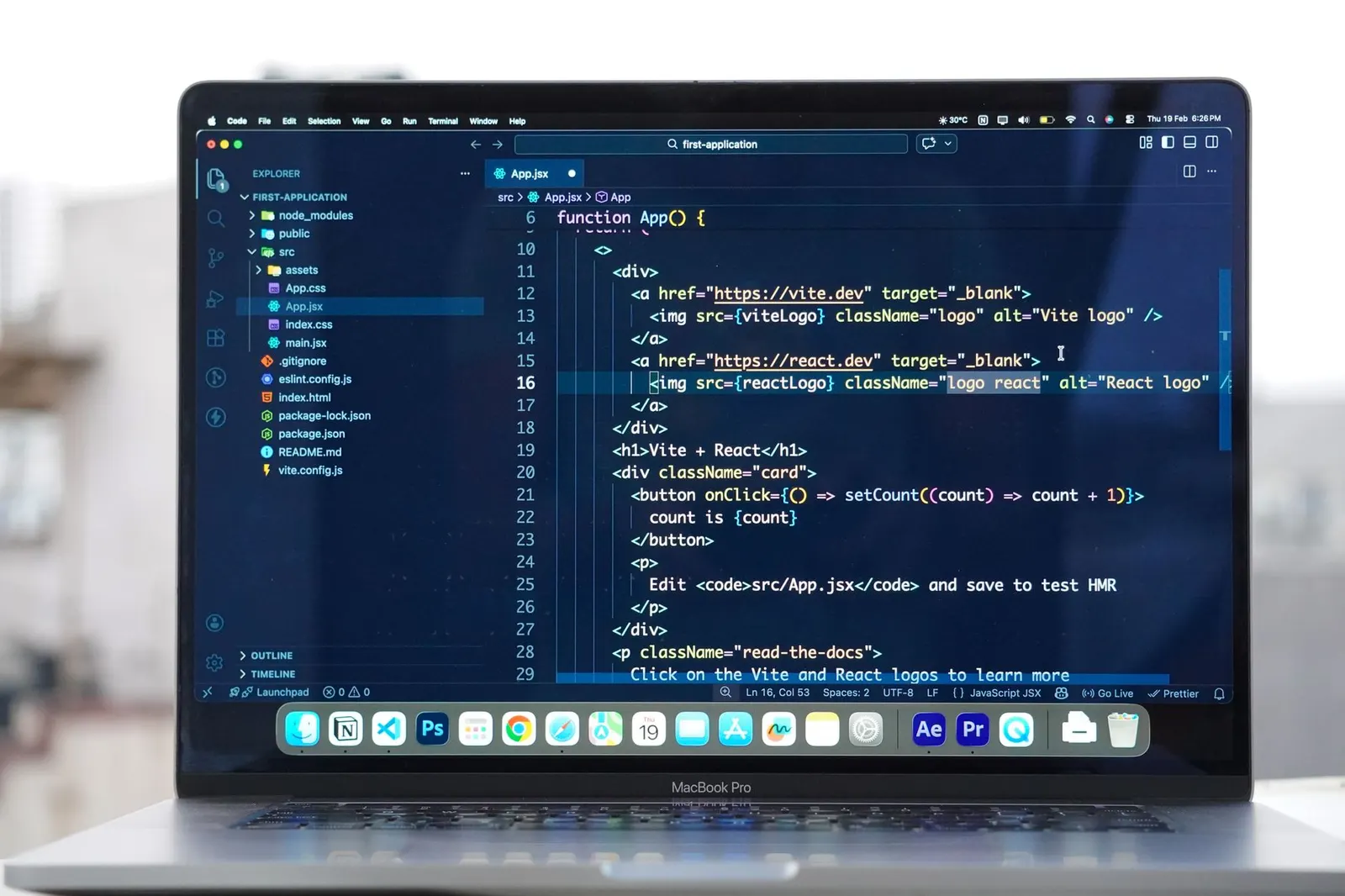
How Hostinger simplifies the deploy Node.js app process for a project founder
Hostinger offers managed Node.js hosting where the user selects their version (18.x, 20.x, 22.x, or 24.x), connects their repository or files, and the service handles execution, restarts, and web exposure without manual server configuration.
In practice, the offering removes the three friction points mentioned above: no more manually creating a system user, no more reverse proxy to write line by line, no more process manager to configure by hand. The Business web hosting plan handles up to five simultaneous Node.js applications starting at $3.99 per month on a 48-month commitment. For a founder who wants to test multiple MVPs or versions in parallel, that’s a real advantage — no need to juggle multiple hosting contracts.
For needs closer to production, the Cloud Startup plan scales to 10 Node.js applications with 4 CPU cores and 4 GB of RAM, starting at $7.99 per month on the same type of commitment. This is the logical next step once the MVP has found its first users and needs to handle more traffic without rebuilding everything.
Deploy Node.js app easily: what it really changes on the ground
The promise only holds if it checks out in practice. And it does: managed Node.js hosting at Hostinger starts at €3.99 per month, with 48-month plans at €191.52 (instead of €911.52, then renewing at €16.99/month) or €383.52 (instead of €1,247.52, renewing at €23.99/month). What this concretely changes for a founder isn’t just the low price — it’s predictability. A fixed monthly rate, known in advance, with no billing surprises tied to traffic. Compared to a consumption-based solution, where every usage spike translates into an extra line on the invoice, this predictability matters enormously when managing a tight startup runway.
The real gain isn’t technical, it’s strategic: every hour not spent on infrastructure is an hour reinvested in the product, at a moment when the product is all that matters to convince the first users.
Hosting cost comparison by solution type
Choosing a Node.js deployment platform often comes down to a trade-off between fixed pricing and consumption-based billing. For a scenario of 100,000 monthly requests, 50 ms average execution time, and 10 GB of bandwidth, the pricing model differences are clear, as shown in the table below.
| Solution | Estimated cost | Model |
|---|---|---|
| Vercel (Pro) | $21.52/month | Consumption |
| Netlify (Pro) | $21.05/month | Consumption |
| Hostinger (Managed Node.js) | $27.99 – $69.99/month | Fixed price |
In absolute terms, a higher fixed price may seem less competitive than consumption-based billing. But for a founder who doesn’t yet control their traffic volumes — and that’s the case for 100% of MVPs before launch — a fixed rate avoids the nasty surprise of a bill that explodes after an unexpected traffic spike. It’s a trade-off between cost optimization and financial risk management, not just a question of monthly price.
Hostinger charges up to $69.99/month at a fixed rate versus a consumption model from serverless competitors
For 100,000 monthly requests, 50 ms average execution time, and 10 GB of outbound bandwidth, Vercel Pro costs about $21.52, Netlify Pro about $21.05, and Hostinger Managed Node.js between $27.99 and $69.99 at a fixed monthly price with no additional consumption fees.
For a founder with still-unpredictable volumes, Hostinger’s fixed rate eliminates the risk of a surprise bill from a sudden traffic spike. It’s a slightly higher base cost in exchange for total budget visibility throughout the MVP phase.
| Item | Value ($) |
|---|---|
| Vercel Pro | $21.52 |
| Netlify Pro | $21.05 |
| Hostinger (min) | $27.99 |
| Hostinger (max) | $69.99 |
Deploy Node.js application easily: what really makes the difference
Deploying a Node.js application easily rests on three concrete criteria: a preconfigured environment that avoids manual server management, a deployment pipeline that accepts a simple Git push, and predictable pricing with no consumption surprises. Hostinger checks all three boxes with its managed Node.js hosting, available starting at €3.99 per month. In practice, you connect your GitHub repository, the platform automatically detects the framework used and configures environment variables. The first deployment takes less than five minutes. The supported Node.js versions — 18.x, 20.x, 22.x, and 24.x — cover all recent projects. For a founder comparing options, the Business plan lets you launch up to five Node.js applications without changing your subscription, while the Cloud Startup plan scales to 10 applications with 4 CPU cores and 4 GB of RAM. The absence of additional consumption fees eliminates the stress of traffic spikes: you pay the same price whether your API receives 1,000 or 100,000 requests per month.
How to install Node.js and launch your MVP without breaking the bank
Installation involves choosing a supported Node.js version, setting up a local development environment identical to production, then deploying via the host’s interface — a process that takes a few hours versus several days on a traditional dedicated server.
On a traditional server (the type of solution documented in most existing tutorials), the process requires creating a dedicated user account — often called myapp or user — using sudo privileges to install system packages, then installing Node.js via a version manager before copying files to the server. This is the method found in nearly all technical guides, and it works — but it assumes real comfort with the Unix command line.
On managed hosting, the logic is reversed: the runtime environment is already ready; you just select the desired Node.js version from 18.x, 20.x, 22.x, or 24.x.
The concrete steps for a Node.js MVP
- Choose the Node.js version suited to your framework (a recent app generally runs well on 20.x or 22.x)
- Prepare the code locally with a development environment that replicates the same dependencies
- Select a hosting plan based on the number of applications to host in parallel
- Connect the code repository or transfer files via the management interface
- Define environment variables and the application entry point
- Launch the deployment and check the execution logs
- Configure a domain name and activate the security certificate
The costly mistake: confusing development environment with production server
Many founders test their MVP locally with one Node.js version, then deploy to a host that offers a different one. The result: bugs that never appeared in development suddenly surface in production, because an API changed behavior between two major versions. The best practice, too often skipped due to lack of time: lock the exact Node.js version in the project configuration file, and verify that the host supports it before signing up. A detail that avoids hours of pointless debugging once live.
How to use Node.js for an MVP: beyond deployment, what are the concrete benefits?
Beyond the ease of going live, a simplified Node.js deployment frees up time to iterate on the product, test hypotheses with users, and adjust the business model — something a multi-week infrastructure project simply doesn’t allow.
The most underestimated benefit isn’t technical. It’s focus. A founder who no longer has to worry about server configuration reinvests that time into what makes or breaks an MVP: talking to users, adjusting features, fixing what doesn’t work. Every rapid product iteration is worth more, at this stage, than a perfectly optimized infrastructure that no one will ever see.
Second benefit: the ability to scale hosting as the project grows, without rebuilding everything. Moving from five managed Node.js applications to ten, with more computing power, doesn’t require migrating to a different architecture — just switching tiers on the same platform. For example, a Business web hosting plan at $3.99/month for 48 months supports up to five applications, while a Cloud Startup plan at $7.99/month for 48 months supports up to ten with 4 CPU cores and 4 GB of RAM.
Node.js remains the right technical choice, not just the easiest to deploy
Don’t confuse deployment ease with technical relevance: Node.js stands out for an MVP because its asynchronous model handles gradual load increases well, and because the available package ecosystem lets you quickly assemble standard features (authentication, API, notifications) without coding everything from scratch. The simplified deployment is a bonus — it doesn’t replace a good stack choice, it just makes it faster to execute.

Based on your situation: which approach to deploy your Node.js MVP?
A solo developer coding their first MVP in their spare time
This profile has little time, no technical team behind them, and an urgent need for market validation. What matters: speed to go live, predictable pricing, no server maintenance. Managed Node.js hosting with an entry-level plan is the right option: the cost stays contained and energy goes to the product, not system administration.
A two-founder startup with an MVP starting to gain active users
Here, traffic is becoming real but still unpredictable. What matters: headroom in computing power, the ability to host multiple applications (API, back office, main app) without juggling multiple contracts. An intermediate plan supporting several Node.js applications with more CPU and RAM is the right calibration, before considering more complex infrastructure.
A company needing to migrate an existing production Node.js application from a VPS
This profile already has experience with a dedicated server, with a reverse proxy and process manager configured by hand. What matters: not breaking what exists, retaining fine control over certain configurations. Managed hosting works for a new application, but migrating an already-optimized system deserves a prior audit — the simplicity gain must be weighed against the potential loss of fine-grained customization.
Working on a project like this? See our dedicated page: mobile app development agency in mauritius.
FAQ on deploying a Node.js application
What is the easiest way to deploy a Node.js app?
The easiest way is to use a managed hosting provider that natively supports Node.js runtimes (18.x, 20.x, 22.x, 24.x at Hostinger). You connect your repository, select your version, and the platform handles the reverse proxy, process management, and restarts — no manual server configuration required.
How do I deploy a Node.js application to a server?
With managed hosting, you choose your Node.js version, connect your Git repository or upload your files via the control panel, set environment variables, and launch. The platform automatically handles the web exposure and keeps the process running. On a traditional VPS, you’d need to manually install Node.js, configure a reverse proxy like NGINX, and set up a process manager like PM2.
Which cloud platform is best for Node.js deployment?
It depends on your priorities. Serverless platforms like Vercel or Netlify charge based on consumption (around $21 for 100,000 monthly requests), while managed hosts like Hostinger offer fixed pricing ($27.99–$69.99/month). A VPS gives you full control but requires manual setup. For an MVP with unpredictable traffic, fixed pricing eliminates billing surprises.
What are the steps to deploy a Node.js app to production?
Lock your Node.js version in your project config, prepare your code with production-ready dependencies, select a hosting plan that matches your application count, connect your repository, configure environment variables and the entry point, deploy, verify logs, and set up a custom domain with an SSL certificate. The entire process takes under an hour on managed hosting versus several days on a bare server.
Deploying a Node.js application easily is no longer reserved for those who can handle a Unix server with their eyes closed — and for a founder in a hurry to validate their idea, that’s good news. But the choice of platform, plan sizing, and consistency between development and production environments remain decisions that shape the project’s future. If you’re preparing to launch an MVP or a custom web app and want to avoid technical trade-off mistakes from the start, Skyward Agency’s software development team can scope your project with you, with a quote after an initial assessment.