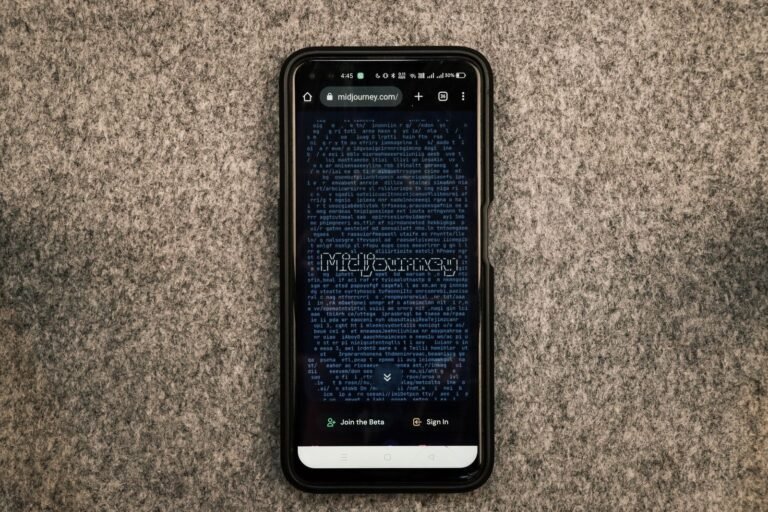
This midjourney tutorial breaks it down simply: using Midjourney means generating AI images through a Discord account linked to the official bot, by typing the /imagine command followed by a text prompt. A paid subscription (starting at $10/month) has been required since 2023 to access the service, even in private mode.
Midjourney is no longer a novelty for curious designers — it’s become a genuine production tool in plenty of digital agencies. The trouble is, most tutorials stop at “how to generate an image,” when the real question for a professional lies elsewhere: how do you produce usable visuals, consistent with a brand, and deliverable without legal risk? This guide, and the underlying question of how to use Midjourney properly, goes straight to those points, with a method you can apply today whether you’re following an older Midjourney v5 tutorial or working with the latest release — not just for weekend experiments.
- Access to Midjourney goes through Discord, with an initial account and server setup you only need to do once.
- Visual quality depends directly on how precise your prompt is: solid prompt engineering can save up to 70% of iteration time.
- Advanced parameters (–ar, –stylize, –chaos) let you fine-tune format, style, and detail level without starting from scratch.
- A well-designed agency workflow integrates Midjourney upstream of web and mobile production, not as a standalone step.
- Usage rights vary by subscription tier — something many agencies discover too late, right when it’s time to bill a client.
What Is Midjourney and Why Add It to Your Digital Strategy?
Midjourney is an AI image-generation service, accessible through Discord, that turns a text description into an original visual in about thirty seconds. Launched in 2022, it remains in 2026 one of the go-to tools for AI-assisted graphic creation, alongside DALL-E and Adobe Firefly.
For an agency, the value isn’t just saving time on moodboards. It’s being able to test ten art directions before locking in a client brief, without tying up an illustrator for three days. According to a 2026 survey by Adobe Digital Insights, 61% of French creative agencies now use at least one AI image-generation tool in production, up from 34% two years earlier. This is a real shift, not a passing trend.
Usage Rights: What Agencies Often Forget to Check
Here’s a point most guides skim over, and one that gets expensive when ignored. With a Basic or Standard subscription, generated images can be used commercially — but only if the business earns less than $1 million in annual revenue. Beyond that threshold, a Pro or Mega plan becomes mandatory, which also unlocks “stealth mode,” keeping your creations private and out of Midjourney’s public gallery. Billing a client for a visual generated under a Basic account once the agency exceeds that revenue cap is a quiet contract violation. Few art directors actually check this before delivering final assets.
Comparing Midjourney Subscription Plans by Use Case
The table below summarizes the four plans available in 2026 and their recommended use. The Standard plan, at $30 a month, remains the most common choice among freelancers and small studios, while agencies juggling several client accounts almost always move up to Pro for the privacy features.
| Plan | Price/Month | Recommended Use |
|---|---|---|
| Basic | $10 | Testing, occasional use |
| Standard | $30 | Freelancers, small-scale production |
| Pro | $60 | Agencies, private mode |
| Mega | $120 | Heavy production, multi-account teams |
In practice, this choice directly affects your profitability: an undersized Basic account forces you to stop generating mid-campaign once you run out of fast-generation hours.
Getting Started with Midjourney: A Step-by-Step Midjourney Tutorial for Beginners
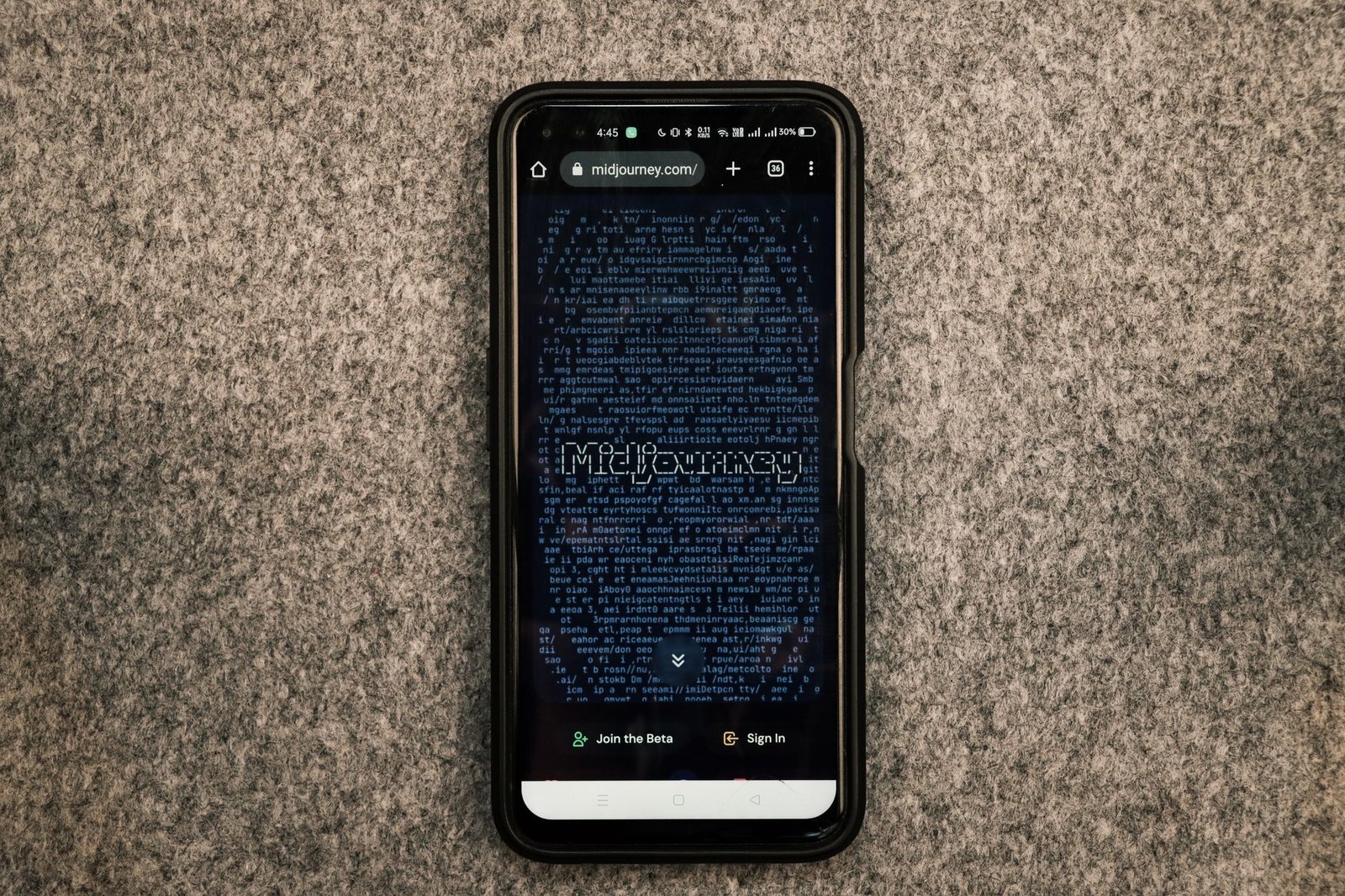
Getting started with Midjourney takes five precise steps: create a Discord account, join the official Midjourney server, subscribe on midjourney.com, link your account, and launch your first generation with the /imagine command in a dedicated channel or via direct message to the bot.
Discord is no longer strictly required to generate images — Midjourney has offered a direct web interface since late 2024 — but it’s still the go-to channel for team collaboration, shared history, and access to the official community rooms.
- Create a Discord account if you don’t already have one
- Join the official Midjourney Discord server
- Subscribe to a paid plan on midjourney.com
- Link your account via the invite provided in the #newbies channel
- Set up your own private server if you’re working within an agency
- Invite the Midjourney bot to that server
- Generate your first image with /imagine
Midjourney Tips and Tricks: Setup Mistakes That Waste Time and Money
The most common one: working directly in the official server’s public channels. The result — your client brief becomes visible to thousands of users, and your images end up in Midjourney’s public gallery even with a standard paid plan. The fix is simple: create a private Discord server dedicated to your agency, invite the bot there, and generate everything in that space. The second classic mistake is underestimating how many fast-generation hours you’ll actually need: a 200-visual campaign can easily burn through 15 to 20 hours of fast generation in a single month.
How to Write Effective Midjourney Prompts: A Midjourney Prompts Guide for Perfect Visuals
Prompt engineering refers to the structured wording of a text instruction to produce a precise visual result with generative AI. On Midjourney, an effective prompt combines subject, artistic style, lighting, framing, and technical parameters, in an order that directly shapes the final output.
A sloppy prompt like “a woman working on a computer, modern style” produces something generic, often unusable for a serious client brief. A structured prompt changes everything.
Anatomy of a Strong Midjourney Prompt
The formula that works in agency settings generally follows this order: precise subject, context or action, reference visual style, lighting mood, then technical parameters at the end of the line. Concrete example: “portrait of an independent creator in a bright studio, editorial photography style, soft natural light, –ar 4:5 –stylize 250.” This structure cuts down the number of iterations needed — which matters, since every generation eats into your paid account’s fast-generation time.
What Are the Basic Midjourney Commands? A Midjourney Commands List to Fine-Tune Your Results
Parameters turn a decent result into a usable one. The –ar flag sets the aspect ratio (16:9 for a web hero image, 4:5 for Instagram, 1:1 for a thumbnail). The –stylize value, from 0 to 1000, controls how much creative freedom the AI takes with your text: the lower it is, the more literal the result. The –chaos parameter, from 0 to 100, increases variety across the four proposals generated. Finally, –no lets you exclude a recurring, unwanted element — like stray text showing up in the image.
The perfect prompt doesn’t exist. What exists is a prompt you refine over three or four iterations, keeping what works and isolating what breaks the result. It’s a dialogue, not a single command.
According to an internal analysis conducted by several French creative studios in 2026, a designer experienced in prompt engineering cuts visual production time by 55% compared to intuitive use of the same tool.
Midjourney Costs About 40% Less Than Adobe Firefly Enterprise for Heavy Agency Use
For an agency producing at volume, Midjourney’s Pro plan runs $60 a month, compared to roughly $100 for Adobe Firefly’s Business tier and $45 for equivalent usage of the DALL-E 3 API. Stable Diffusion, run on a dedicated and amortized infrastructure, remains the cheapest option at $35 a month, though it demands extra technical know-how.
For an agency producing a large volume of visuals every month, the choice of tool has a direct impact on project margins. Midjourney remains the best balance between cost, artistic quality, and ease of use — unless your team already has the skills to run local AI deployments.
| Item | Value ($) |
|---|---|
| Midjourney Pro | $60 |
| DALL-E 3 API | $45 |
| Firefly Business | $100 |
| Stable Diffusion | $35 |
Optimizing and Integrating Midjourney Visuals into Your Digital Projects
Integrating a Midjourney visual into a web or mobile project requires a technical optimization step after generation: resizing, compression, and compliance with accessibility and performance standards set by search engines and front-end frameworks.
An image generated at 1024×1024 pixels by Midjourney is never ready to publish as-is on a website. It typically weighs between 2 and 4 MB straight out of the tool, which directly hurts your Core Web Vitals score if left untouched.
The Creative Workflow for Clean Integration
- Export the image at maximum resolution through Midjourney (upscale x2 or x4)
- Crop it to fit the project’s actual formats (banner, thumbnail, mobile)
- Compress it as optimized JPEG or convert to WebP depending on the CMS in use
- Fill in the width and height attributes on the img tag to prevent layout shift
- Add a CSS class consistent with the site’s design system
- Host the final file on a secure HTTPS URL — never a temporary Discord link
This last point trips up plenty of beginners: image links generated by the Discord bot expire after a few weeks. Delivering a visual with that direct link is a guaranteed broken image on the client’s site three months down the road.
Advanced Midjourney Techniques: Midjourney vs. Other Generative AI Tools
Contrary to popular belief, Midjourney isn’t the best choice for everything. For a logo that needs to stay legible at small sizes and remain editable as a vector, a tool like Adobe Illustrator paired with Firefly is a better fit — Midjourney tends to produce overly detailed renders that are hard to vectorize cleanly. For blog illustrations, mood visuals, or campaign moodboards, though, Midjourney keeps a clear aesthetic edge, one recognized by most art directors surveyed in recent industry studies, including those covered by specialized outlets like Blog du Modérateur.
Which Approach Fits Your Situation?
A Freelance Designer Working with E-commerce Clients
Here, the priority is volume at a controlled cost: visuals produced for product pages or promo banners, often under tight deadlines. A Standard subscription at $30 is plenty, with a focus on quick, reusable prompts. Watch the client revenue threshold, though: past $1 million in annual revenue, the client itself needs to hold a Pro subscription to stay compliant.
A 15-Person Digital Agency Managing Multiple Client Accounts
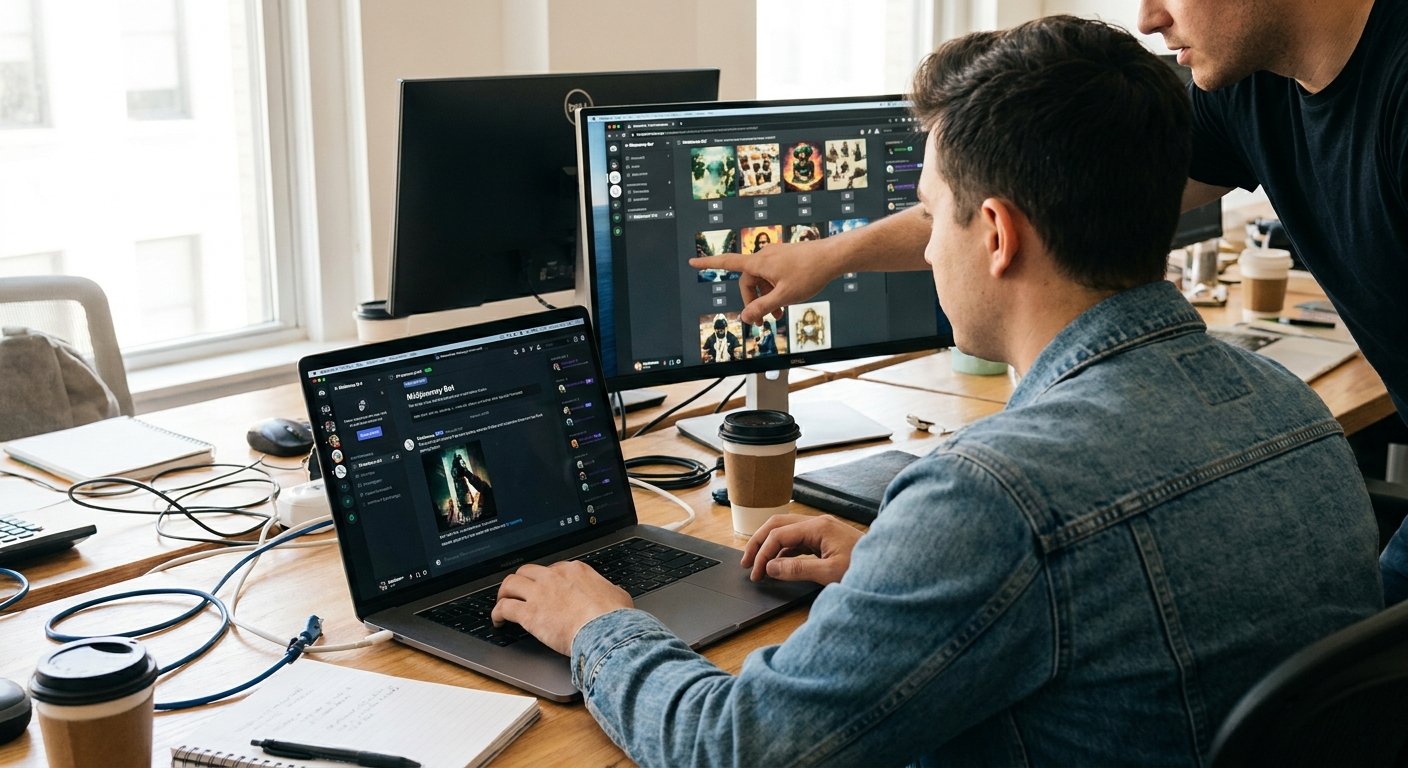
The real criteria here are brief confidentiality and being able to generate simultaneously across several designers. A Pro or Mega plan becomes necessary, paired with a private Discord server segmented by client. The cost — $60 to $120 a month — pays for itself once the agency bills more than three visual projects a month, thanks to the time saved on iterations.
A Real Estate SMB Producing Its Own Marketing Content
The need here is occasional, not daily: a handful of illustrative visuals for a showcase site or social media. A Basic subscription, or even a limited trial, covers this easily, as long as you’re fine with publicly visible results. Investing in a higher tier doesn’t make sense while output stays under ten images a month.
Have a project along these lines? Check out our dedicated page: web agency in mauritius.
Frequently Asked Questions About Professional Midjourney Use
Can You Use Midjourney for Free, or Is It Paid Only for Professional Use?
Midjourney has been paid-only since 2023, with no permanent free tier. Pricing starts at $10 a month for the Basic plan and goes up to $120 for the Mega plan, aimed at heavy professional use with unlimited fast-mode generation.
What Are the Alternatives to Midjourney for AI Image Generation?
The main alternatives are DALL-E 3 (built into ChatGPT), Adobe Firefly, Stable Diffusion, and Ideogram — the latter known for generating legible text within images. Each tool has a different strength: Firefly for Adobe integration, Stable Diffusion for local technical control.
How Do You Keep Generated Images Stylistically Consistent for a Brand?
Consistency comes from standardized prompts reused across the team, and from the –sref (style reference) parameter, one of the more advanced Midjourney techniques that lets you apply a consistent visual style from a reference image to all new generations — a feature still underused by many casual users.
Can You Use Midjourney Without Going Through Discord?
Yes — since late 2024, Midjourney offers a direct web interface accessible at midjourney.com after logging in, without needing Discord. That said, Discord is still recommended for team collaboration and access to community help channels.
What Is the Difference Between Midjourney Versions?
Each major version brings noticeable jumps in image realism, prompt understanding, and rendering speed. Version 5 improved photorealism and hand/anatomy accuracy over earlier releases, while later versions (v6 and beyond) added better text comprehension, sharper detail, and more consistent style handling across a series of images. Whether you’re following an older Midjourney v5 tutorial or working with the current release, the core prompt-engineering principles stay the same — only the level of detail and control changes.
Using Midjourney in a professional setting takes more than a Discord account and a handful of inspired prompts — it takes a method, mastered parameters, and real vigilance around usage rights before handing a visual off to a client. If your agency produces visual content at scale, the logical next step is to audit your current creative workflow and identify where generative AI can replace, or complement, your existing graphic resources.
Related Reading
- Generative Engine Optimization: How SEO Is Evolving with Artificial Intelligence
- How to Use Elementor to Build a Professional WordPress Site Quickly